Iterables in Python, The Buffet Table 🍽️
Full-Stack Developer & Tech Writer specializing in Python (Django, FastAPI, Flask) and JavaScript (React, Next.js, Node.js). I build fast, scalable web apps and share practical insights on backend architecture, frontend performance, APIs, and Web3 integration. Available for freelance and remote roles.
When you write:
for x in something:
    print(x)
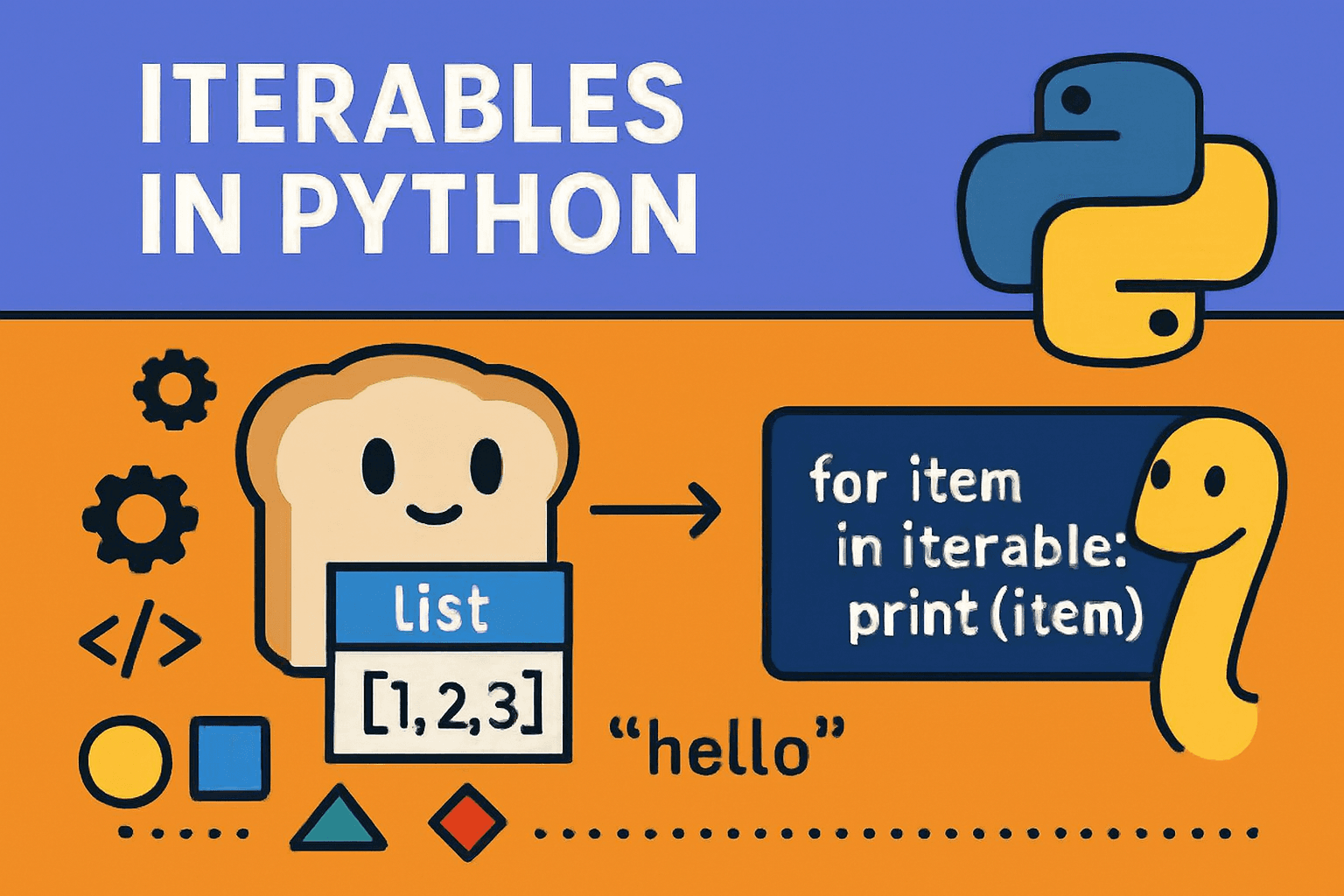
it seems straightforward. But what makes an object loopable in Python? Lists, strings, sets, dictionaries, files all of these are iterable.
The answer lies in Python’s iteration protocol. In this article (Part 1 of a 3-part series), we’ll cover:
What is an iterable
How
iter()works internallyMemory and performance aspects of iterators
Real-world use cases
How to design reusable custom iterables
We’ll use a buffet table metaphor to make these concepts intuitive and memorable.
🍴 The Buffet Table Metaphor
Imagine a buffet restaurant:
Buffet table = Iterable a container with all the food
Plate = Iterator keeps track of what you’ve taken
Key points:
The buffet itself never “runs out.” You can always take a new plate and start again.
Each plate keeps its own position. Two people can eat from the buffet independently.

Pro Tip: Each iterator is independent. You can loop multiple times over the same iterable without interference.
What Makes an Object Iterable?
An object is iterable if it:
Implements
__iter__()→ returns an iteratorOr implements
__getitem__()with 0-based indexing → Python simulates iteration untilIndexError
iter(obj) behaves like a universal adapter:
Checks for
__iter__→ uses it if presentFalls back to
__getitem__otherwise
Iterables in Python Code Examples
lst = [1, 2, 3]
s = "hello"
st = {'x', 'y', 'z'}  # unordered
d = {'a': 1, 'b': 2}  # iterable over keys

it = iter(lst)  # take a plate
print(next(it))  # 1
print(next(it))  # 2
print(next(it))  # 3
⚠️ Note: Sets are iterable but not indexable (
st[0]→ TypeError).
Behind the Scenes Memory & Iterators
List: contiguous array of object references
Iterator (
list_iterator): lightweight → stores reference + cursor only
Iterators do not copy data, making them O(1) memory overhead.
Example:
range(10_000_000)→ memory-efficient, lazy evaluationGenerators or iterator-based APIs → stream data line by line

Iterables via __getitem__
class SquareSeq:
    def __getitem__(self, index):
        if index < 0:
            raise IndexError
        return index * index

sq = SquareSeq()
it = iter(sq)
print(next(it))  # 0
print(next(it))  # 1
print(next(it))  # 4
Python calls sq[0], sq[1], ... until IndexError.
⚠️ Make sure to raise
IndexErrorotherwise iteration may never stop.
Real-Life Use Cases
Processing huge files → iterate line by line
Paginated API calls → fetch pages lazily
Data pipelines →
map,filter,itertoolsefficientlyLazy computations → calculate values only when needed
Large numeric ranges →
range()and slicing
Tip: Stream data with iterators to avoid memory issues.
Common Pitfalls
Iterators get exhausted → can’t reuse without creating a new iterator
Sets/dicts → order not guaranteed (CPython keeps insertion order, but don’t rely on it for cross-version code)
Infinite iterables → use
itertools.isliceor stop conditions
Custom Iterable The Right Way
Bad Pattern: Iterator = Container
class BadCities:
    def __init__(self):
        self._cities = ["Paris", "Berlin", "Rome"]
        self._index = 0
    def __iter__(self): return self
    def __next__(self):
        if self._index >= len(self._cities): raise StopIteration
        val = self._cities[self._index]
        self._index += 1
        return val
Problem: second loop finds nothing, iterator already exhausted.
✅ Better Pattern: Separate container & iterator
class CityIterator:
    def __init__(self, cities):
        self._cities, self._index = cities, 0
    def __iter__(self): return self
    def __next__(self):
        if self._index >= len(self._cities): raise StopIteration
        val = self._cities[self._index]; self._index += 1
        return val

class Cities:
    def __init__(self):
        self._cities = ["Paris", "Berlin", "Rome"]
    def __iter__(self):
        return CityIterator(self._cities)
Multiple loops → ✅ Works fine.
Mental Model ASCII Diagram
[Iterable (buffet table)]
       |
       | __iter__() or __getitem__()
       V
[Iterator (plate)] → reference + cursor
       |
       | __next__()
       V
   items one-by-one
   StopIteration → stop
Quick Checklist
Multiple passes? → Use iterable
Memory-efficient? → Use generator or iterator API
Test iterability →
try: iter(obj)/except TypeErrorSpecial stop condition →
iter(callable, sentinel)
Wrap-Up
In Part 1:
We explored what an iterable is the buffet table
Learned how
iter()works (__iter__/__getitem__)Saw memory-efficient iterators in action
Discussed real-world use cases
Designed reusable custom iterables
👉 Next up (Part 2): Iterators the waiters with one-way tickets 🍽️. We’ll dive deep into __next__, StopIteration, and how generators fit into the picture.


